

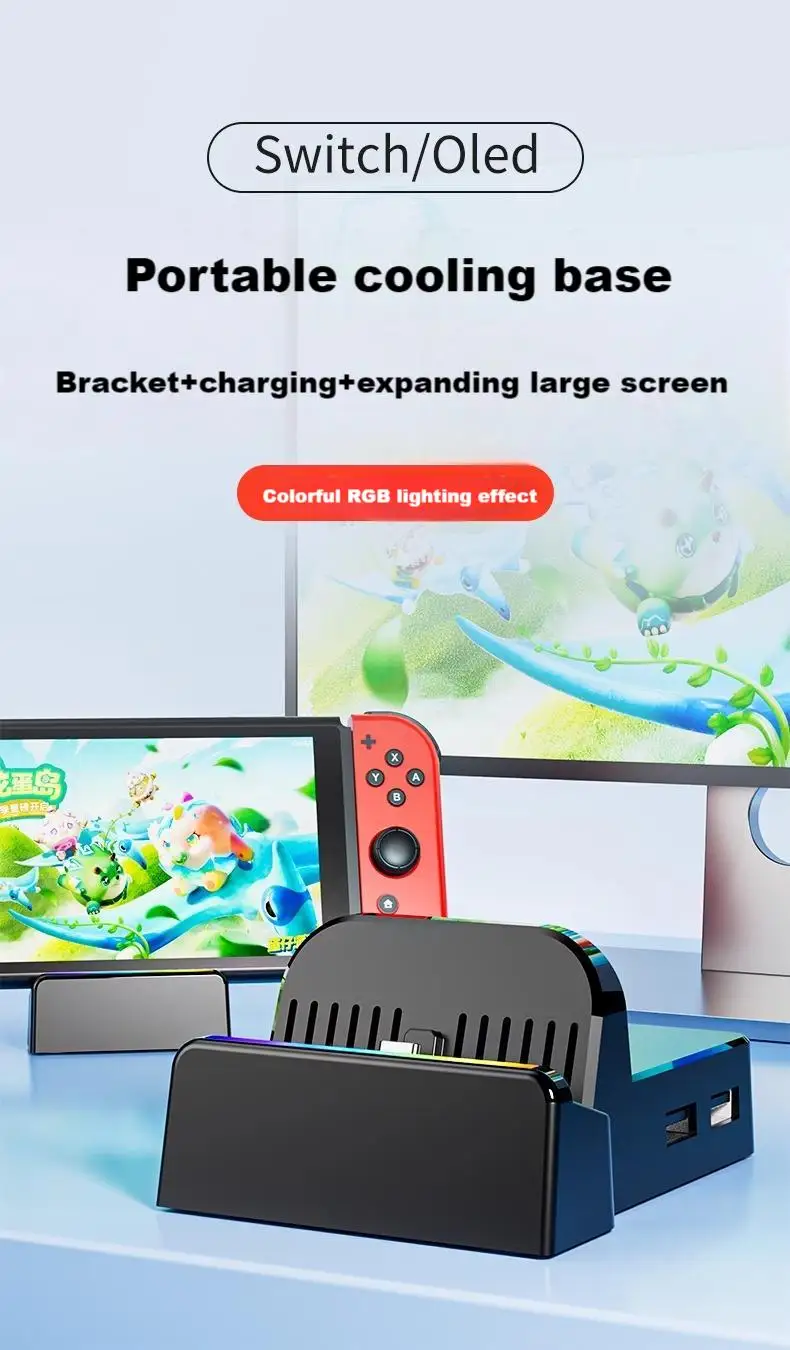
AOLION Portable Cooling Charging Base Stand for Switch 2/1 Multi-Functional Game Console Expansion Dock TV Video Output


AOLION Portable Cooling Charging Base Stand for Switch 2/1 Multi-Functional Game Console Expansion Dock TV Video Output
1. This product uses the original switch adapter 15V2.6A, which can be charged while playing. It is recommended to use the official charger
It will not cause damage to the host.
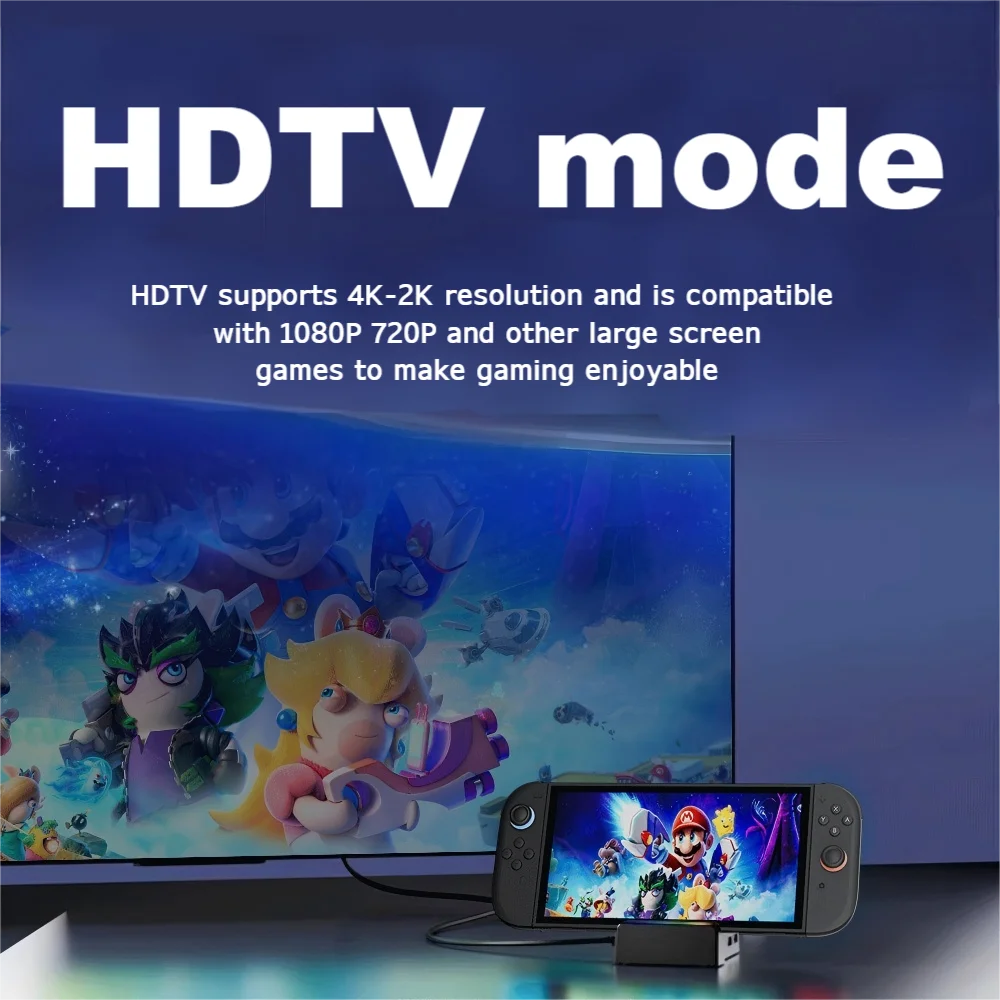
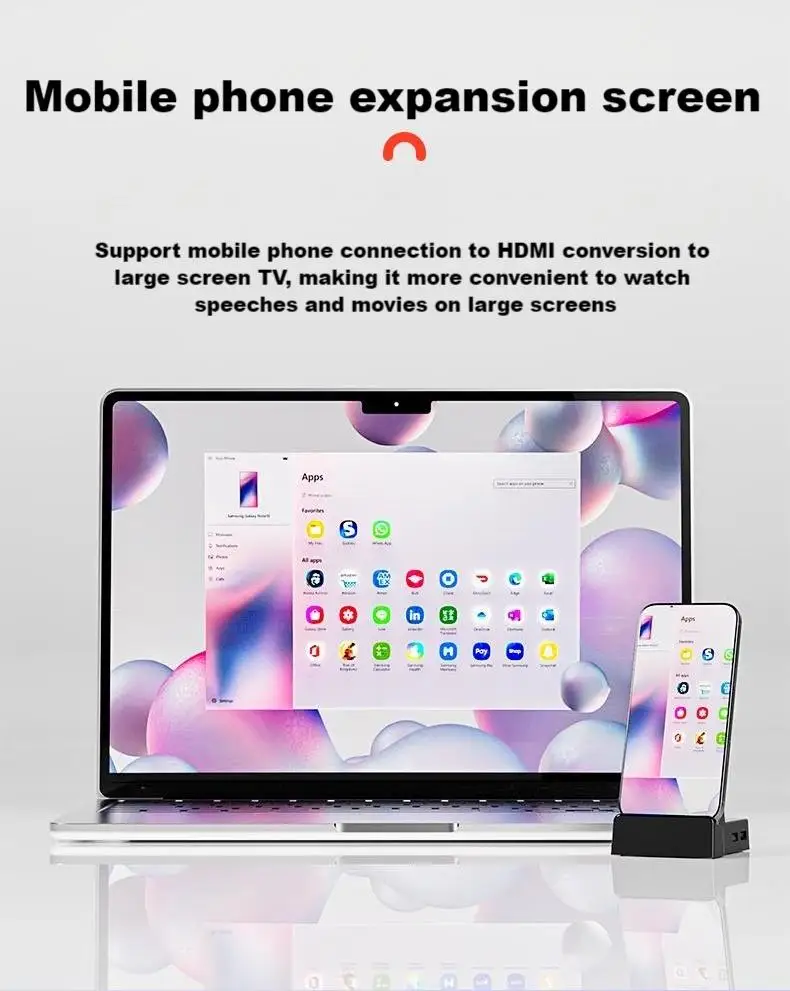
2. TV video switching: Connect the HDMI interface of the base to the TV using an HDMI data cable, then connect the power supply to the base and switch the host to the base. After about 10 seconds, the video will automatically switch to the TV first.
Operation says B month
3. Video switch switching: When using the TV video normally, press the video switch once. After about 2-3 seconds, the video will switch to the Switch host screen; When using the Switch on the host screen normally, press the video switch once, and after about 10 seconds, the video will switch to the TV;
4. Video switching indicator light: When the video switches to the TV, the indicator light turns blue; When the video switches to the switch host screen, the indicator light goes out;
During use, if the USB external device cannot automatically connect back to data after switching or unplugging the power cable between the TV and the host, please re plug and unplug the USB external device.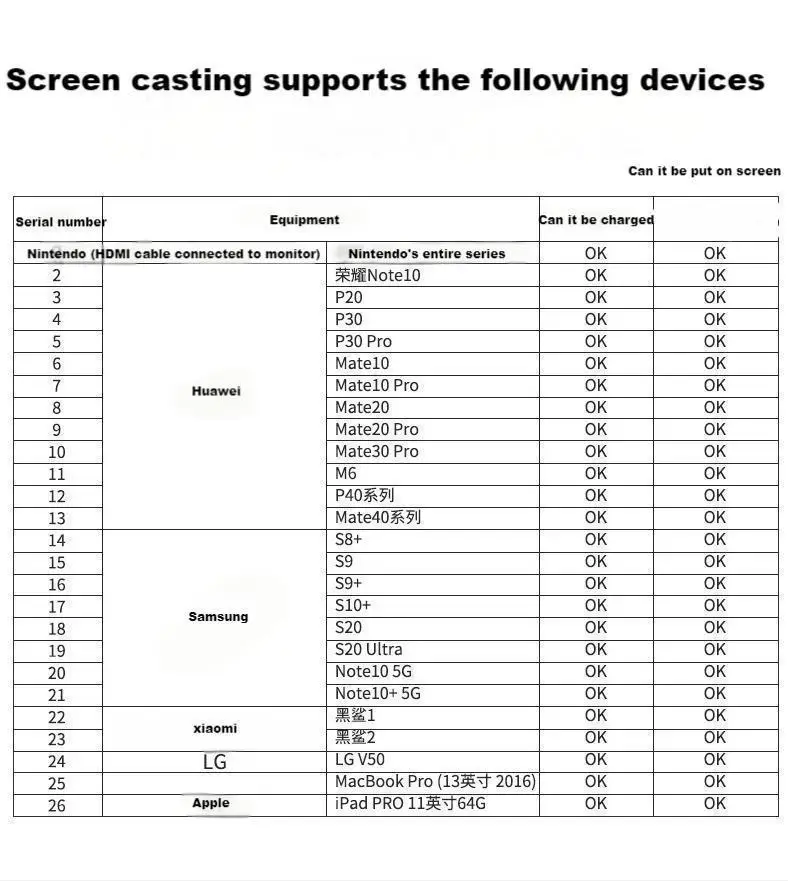
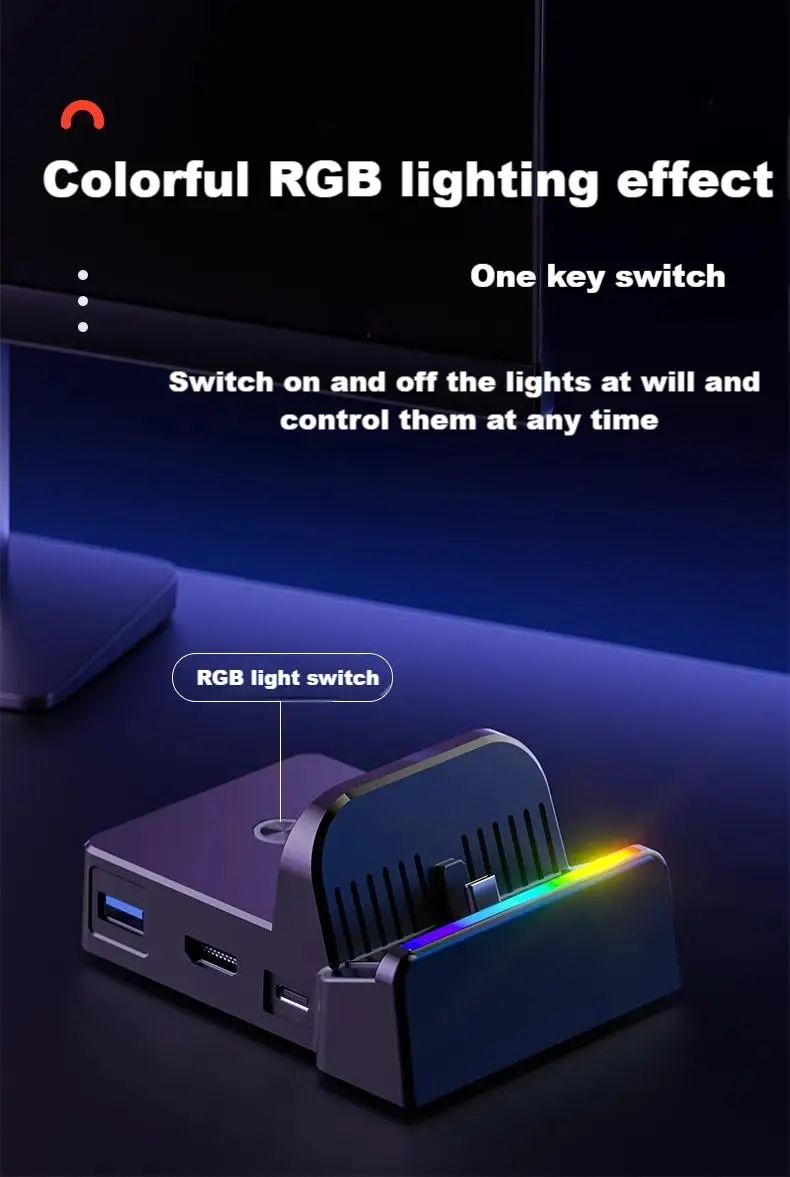
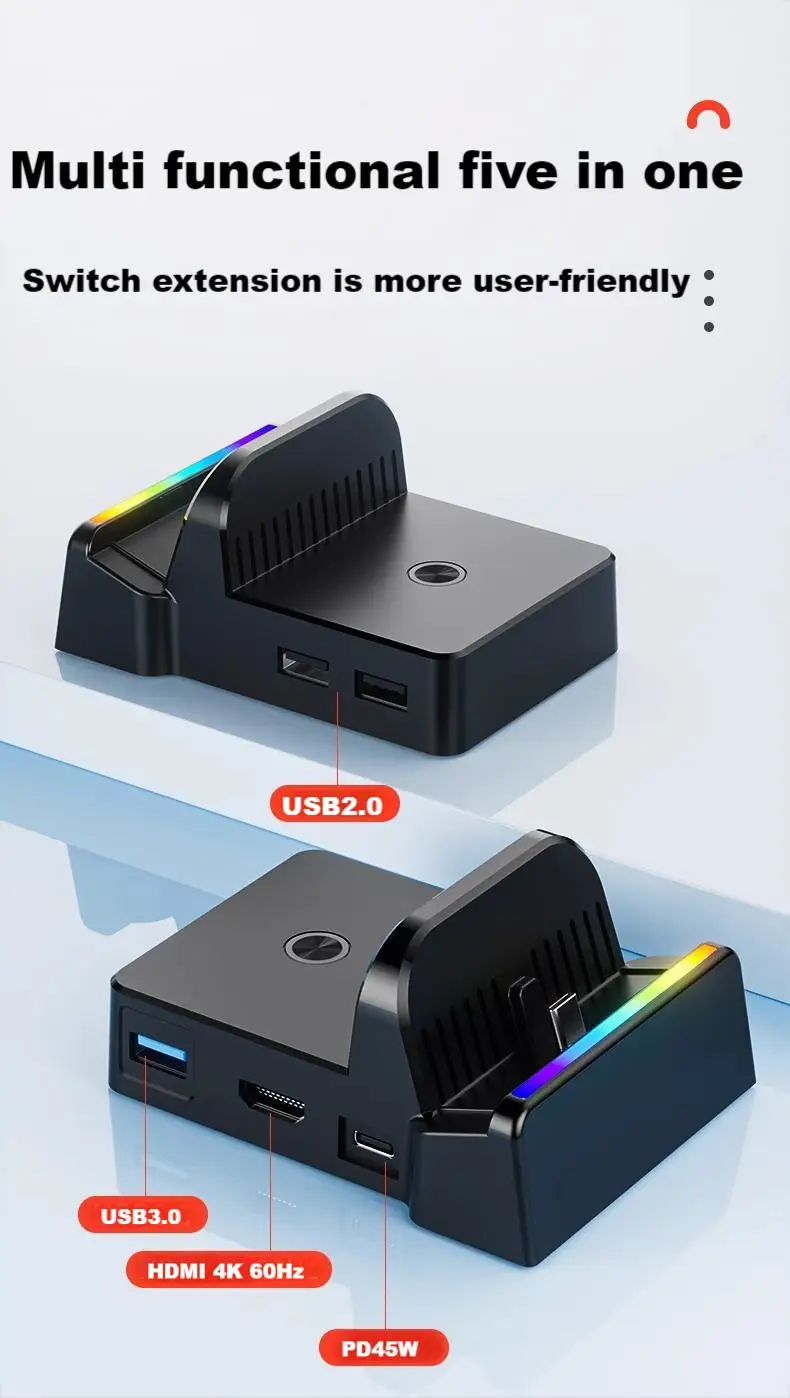
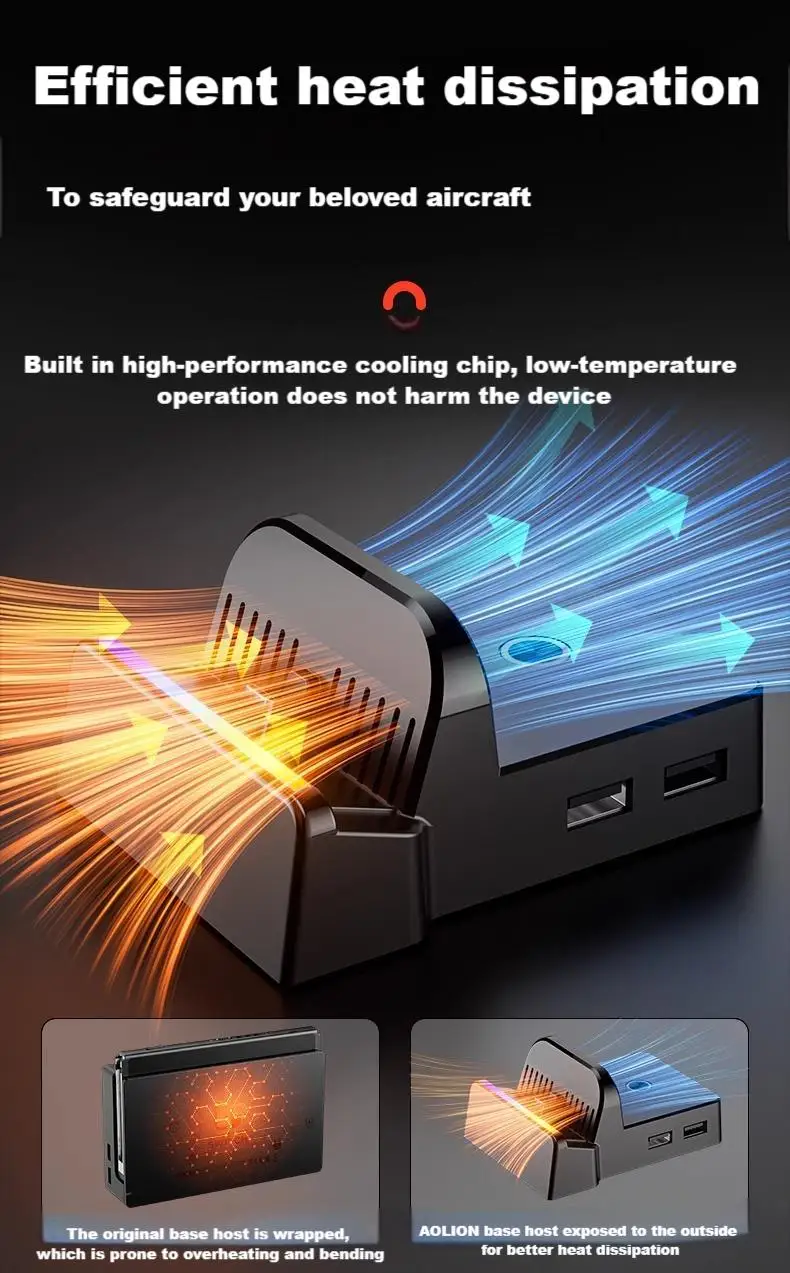
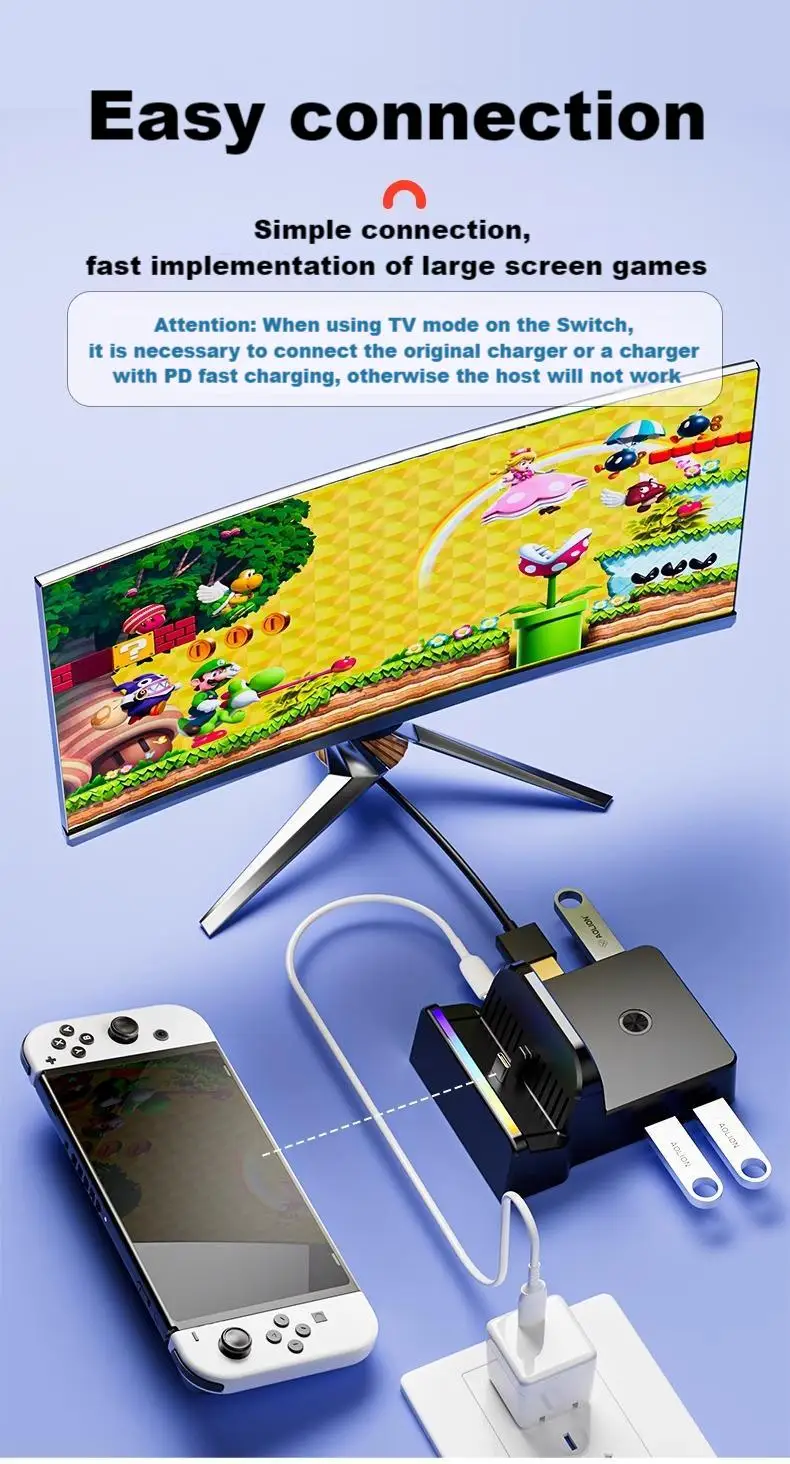
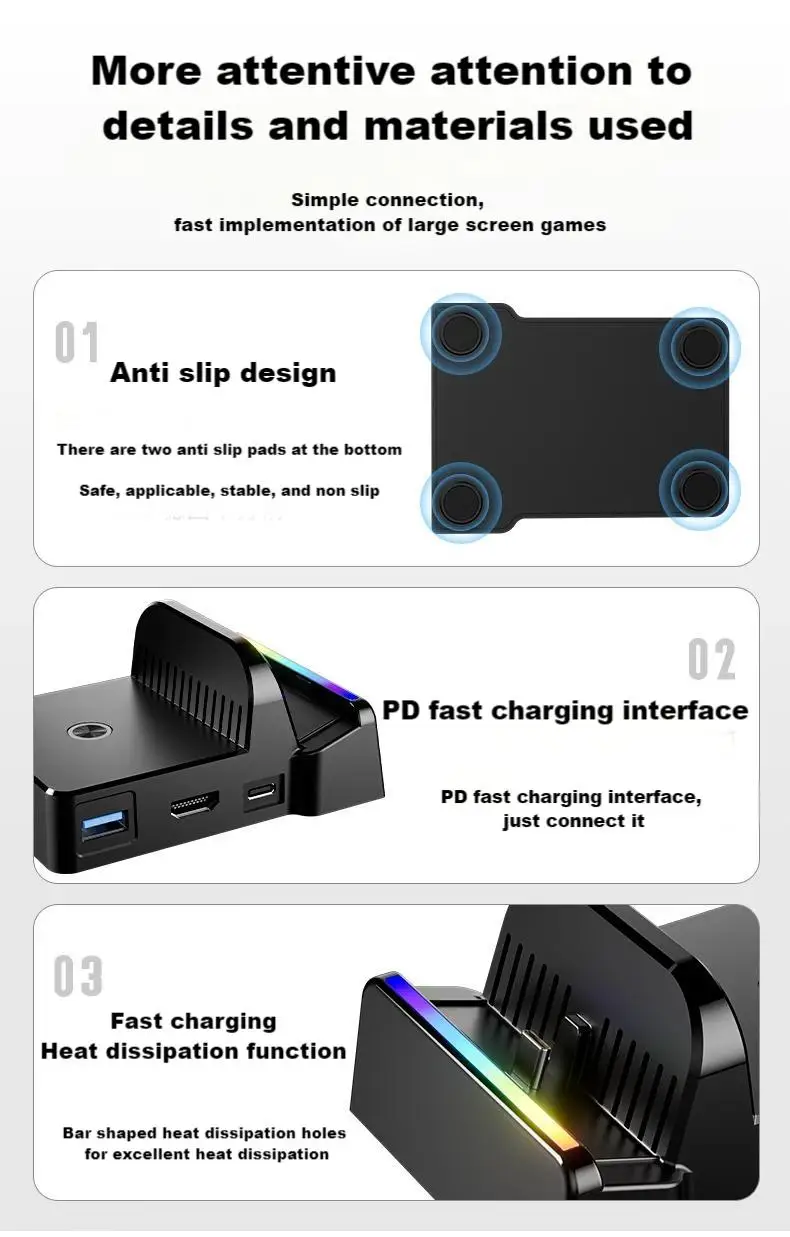
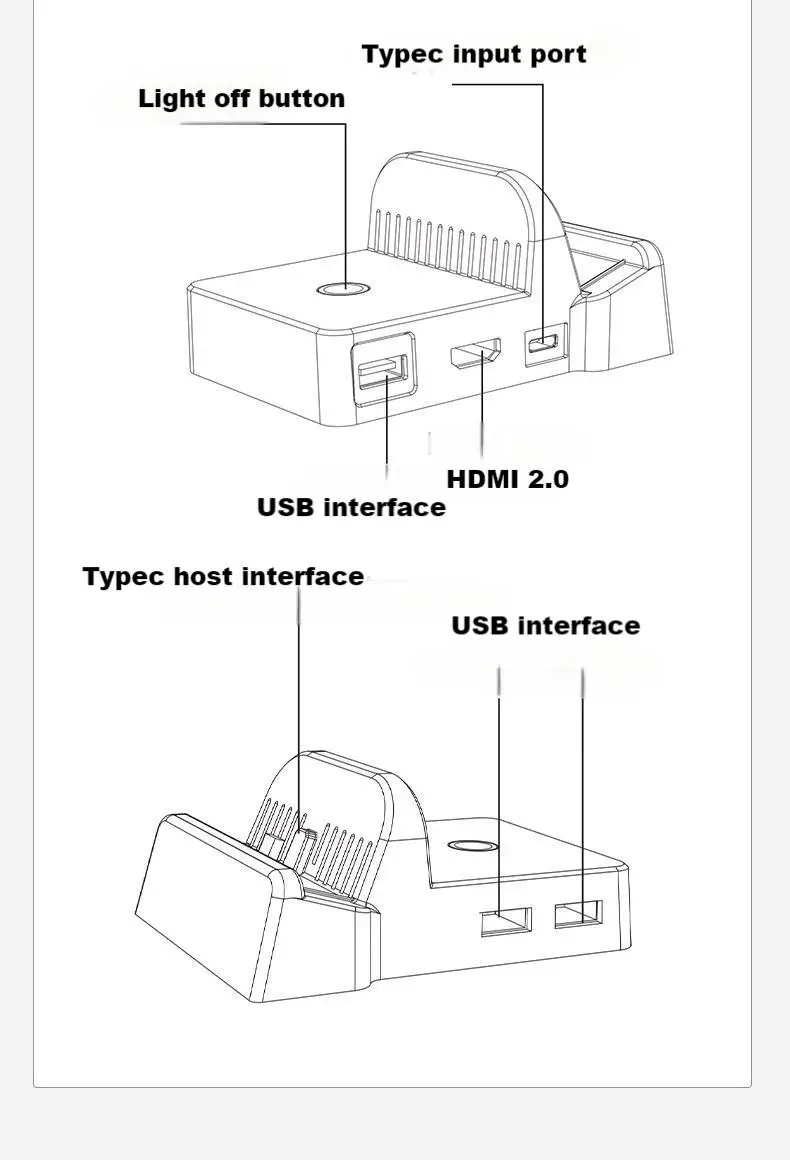 Product usage instructions;
1. Connect the original adapter power supply to the base power input Type-C interface, connect the HDMI terminal to the TV terminal, connect the base video output HDMI terminal to the host, place it on the base TYPE-C male plug conversion device to convert the video output to the TV terminal (slow flashing LED light), and Bluetooth is in search mode
Bluetooth connection, pairing is required for the first use of Bluetooth audio devices: Press the black pairing button on the back of the base for about 3 seconds, and the blue light will flash quickly to enter pairing mode. Then turn on the Bluetooth audio device search mode, and the blue LED will remain on after the first Bluetooth audio pairing is successful,
3. If you need to connect another Bluetooth audio device, press the pairing button for about 3 seconds and the red and blue lights will flash quickly (the blue light will flash when the previously connected Bluetooth audio is disconnected and immediately reconnected). Open the Bluetooth audio device search mode, and the red light will remain on after the Bluetooth audio device is successfully connected (the red and blue lights will remain on when two Bluetooth audio devices are connected)
Reconnect, devices that have already been connected will automatically reconnect after the device is turned on. After reconnection, the first device will connect to the blue LED and the second device will connect to the red LED
5. To disconnect the Bluetooth device, simply press the black button on the back of the base to turn it off, or simply turn off the Bluetooth audio device. After disconnecting the Bluetooth, the LED on the base will flash slowly
Transmission distance: 10 meters (data is measured in open and unobstructed areas, and walls and buildings may affect signal transmission.)
Why buy from handheldparts.site
- Fitment-checked, plug & play installation, no guesswork
- Free worldwide shipping on orders over $55.99
- 30-day easy returns · 12-month warranty
- Need help? support@handheldparts.site · WhatsApp +86 134-2894-7672