

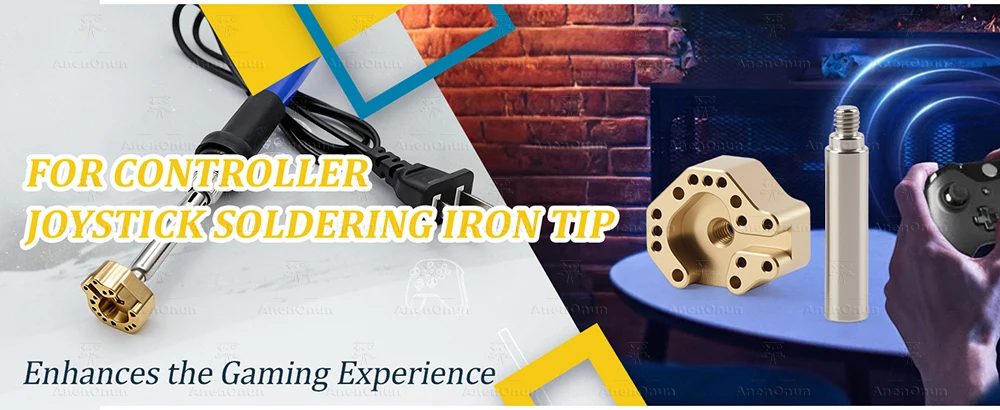
PS5/PS4/Xbox/Switch Pro Joystick Soldering Iron Tip with 936 Adapter Controller 3D Analog Stick Fix Drift Replacement Repair Kit


PS5/PS4/Xbox/Switch Pro Joystick Soldering Iron Tip with 936 Adapter Controller 3D Analog Stick Fix Drift Replacement Repair Kit
About this item
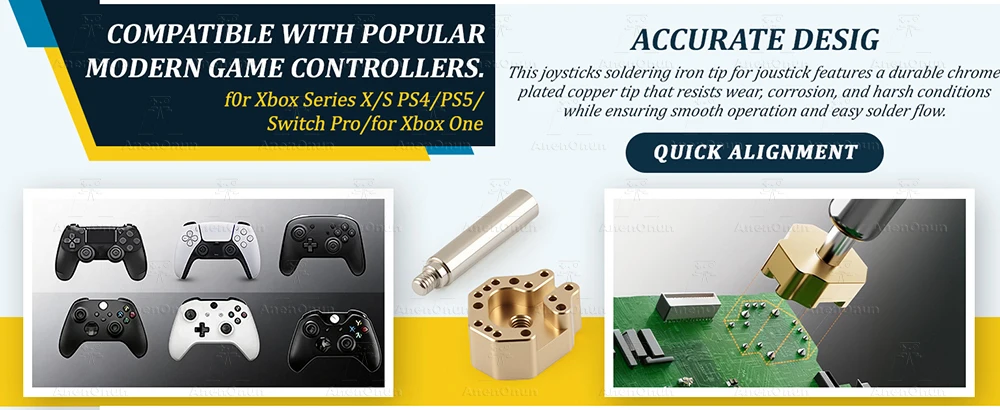
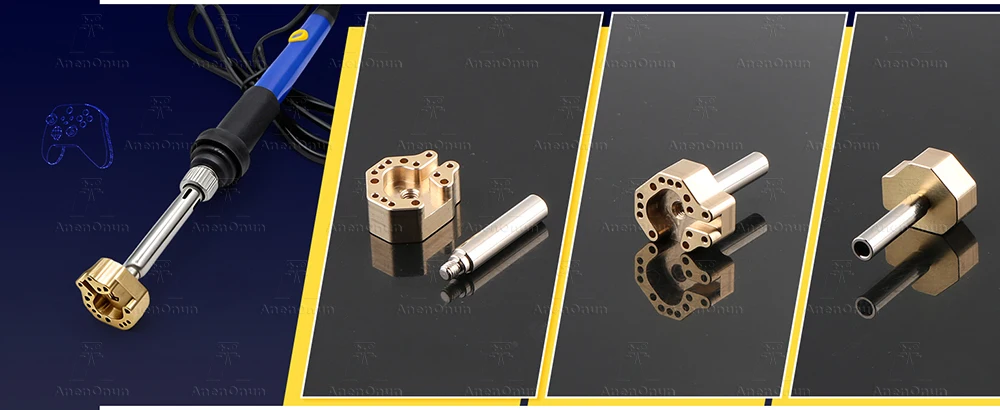
🔥🔥🔥【Compatible Model】- The Joysticks Soldering Iron Tip are compatible with PlayStation 5/PlayStation 4/Xbox Series X/Xbox Series S/Xbox One/Nintendo Switch Pro.Many game controllers do not include a joystick soldering tool, but this game controller with a 936 adapter soldering tip solves that problem.(Note: Different head sizes are suitable for different heating rods.)
🔥🔥🔥【Confirm Whether Need to Solder】- When the handle joystick drifts or has poor contact, the internal potentiometer may be damaged. Some designs require welding and replacement, but most modern modular rockers are plug-in designs. The judgment method is very simple: disassemble the handle and check whether there are solder joints at the bottom of the rocker. If there are any solder joints, they need to be soldered. If not, replace the module directly.
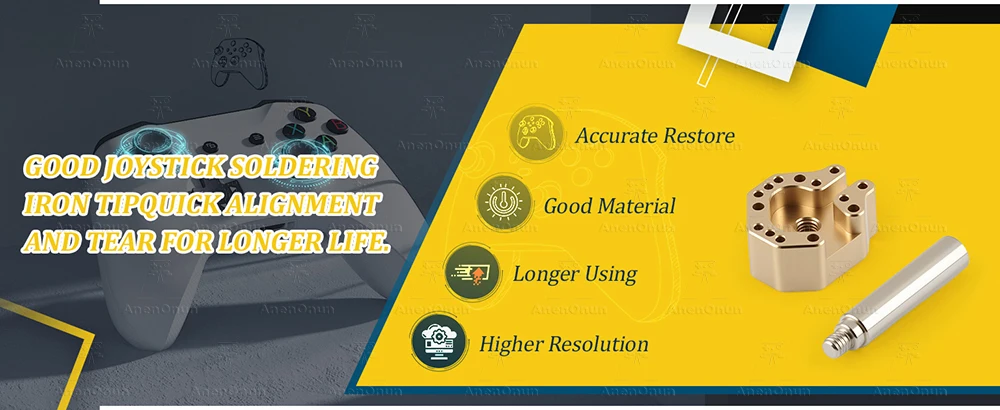
🔥🔥🔥【Accurate Design】- This joysticks soldering iron tip features a durable chrome-plated copper tip that resists wear, corrosion, and harsh conditions while ensuring smooth operation and easy solder flow. The precision copper-plated adapter enables quick alignment, secure fastening, and damage-free PCB removal of joystick modules. With fast heat conduction and rapid temperature rise, it separates the joystick from the circuit board in seconds, delivering professional results while protecting sensitive components from heat damage.
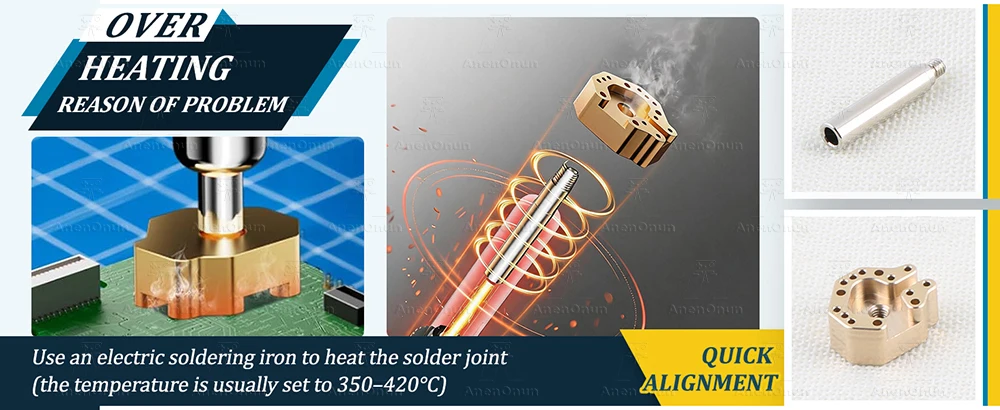
🔥🔥🔥【How to Use the Sodering Tip】- ①Disassemble the handle shell, carefully disconnect the cable and remove the motherboard.② Position the joystick solder joint, use an electric soldering iron to heat the solder joint (the temperature is usually set to 350–420°C), and use a solder suction device or solder tape to remove the solder.③Remove the old joystick and clean the soldering pad to ensure that there is no residual tin slag.④Install the new joystick, align the holes, fix some pins first, and then solder the remaining pins one by one.⑤Reassemble and test functionality, calibrate via official tools if necessary.
🔥🔥🔥【Suggestion Tips】- When using the soldering iron tip for the joystick, please use a temperature-adjustable and well-grounded soldering iron to avoid damage to the motherboard due to static electricity or overheating. Beginners are advised to practice soldering on old keyboards and mice before attempting to repair the joystick.
🔥🔥🔥【Excellent Shopping Experience】- We are committed to providing efficient and convenient shopping experience for global players. Our professional customer service team is always on call to answer any questions you may have about the product and provide considerate and thoughtful after-sales guarantee. Choosing us means choosing quality and peace of mind.
Why buy from handheldparts.site
- Fitment-checked, plug & play installation, no guesswork
- Free worldwide shipping on orders over $55.99
- 30-day easy returns · 12-month warranty
- Need help? support@handheldparts.site · WhatsApp +86 134-2894-7672