

AOLION RGB Cooling Fan for Xbox Series X/S Adjustable Speed USB Charging Port Heat Dissipation Fan Host Accessory


AOLION RGB Cooling Fan for Xbox Series X/S Adjustable Speed USB Charging Port Heat Dissipation Fan Host Accessory
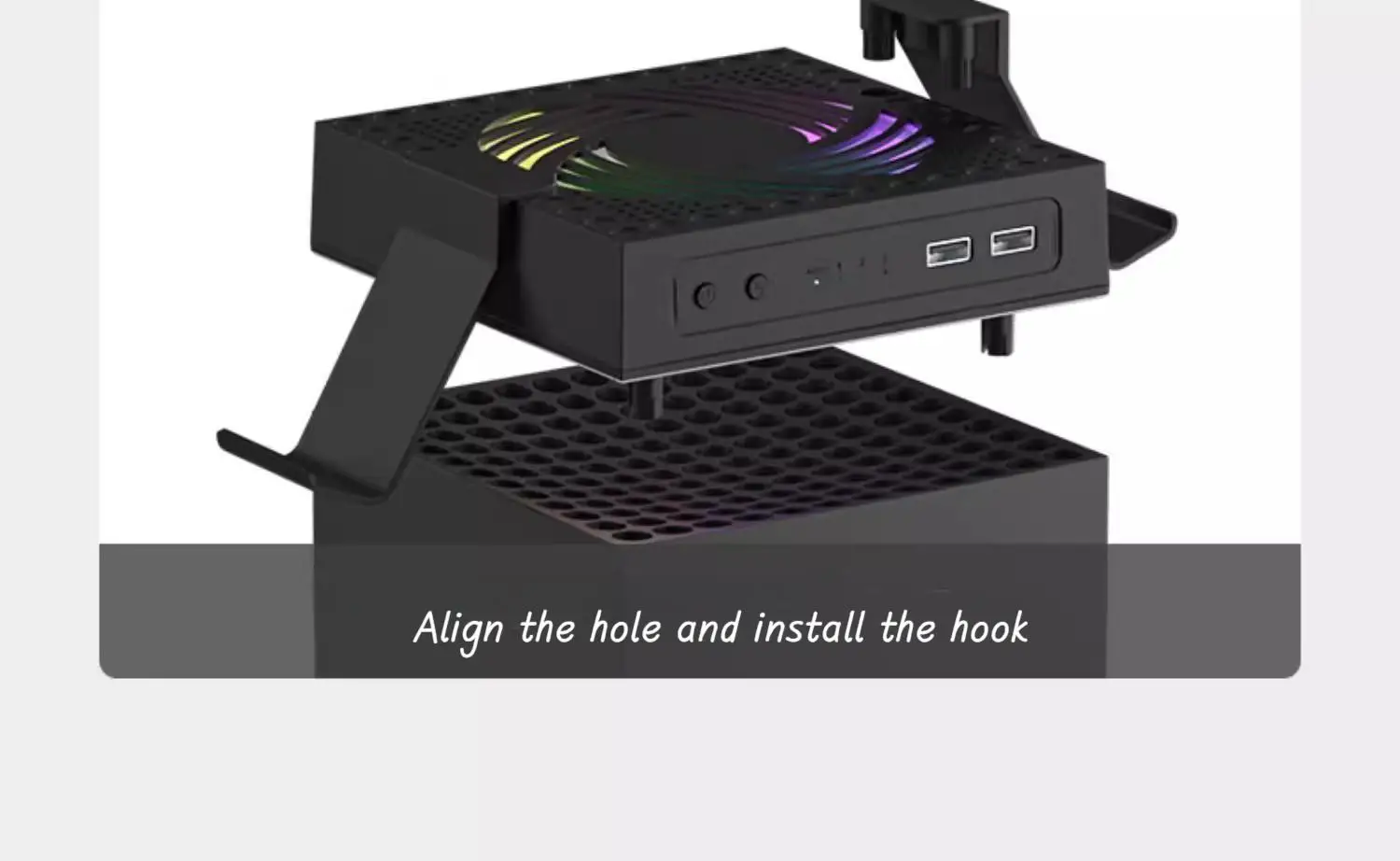
Host installation diagram:
for Xbox Series X: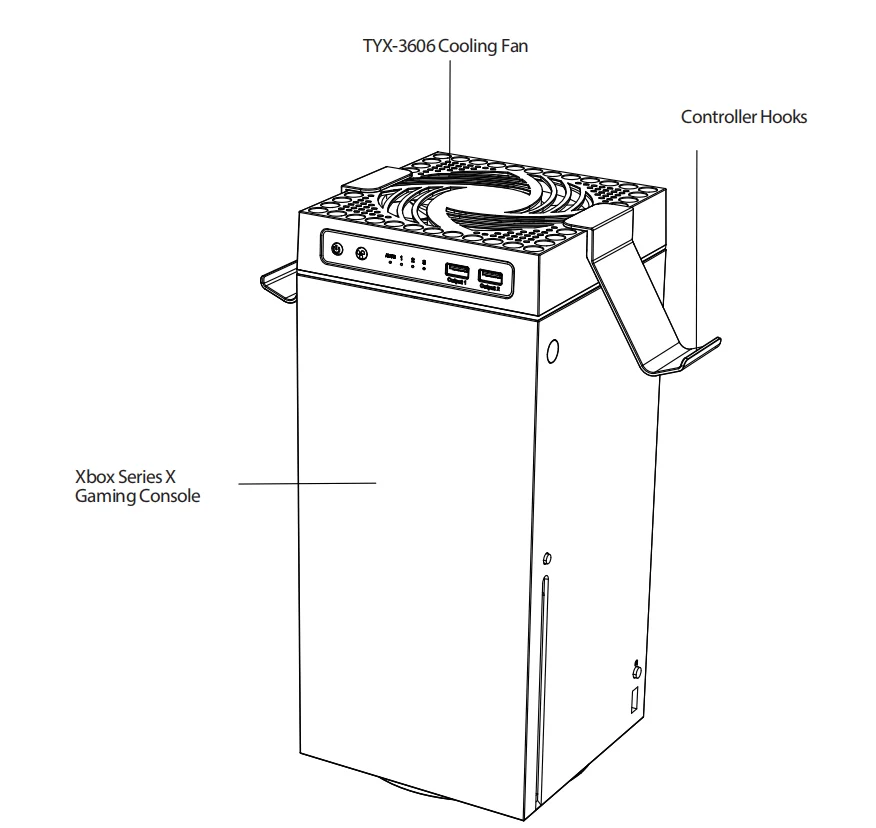 for Xbox Series s: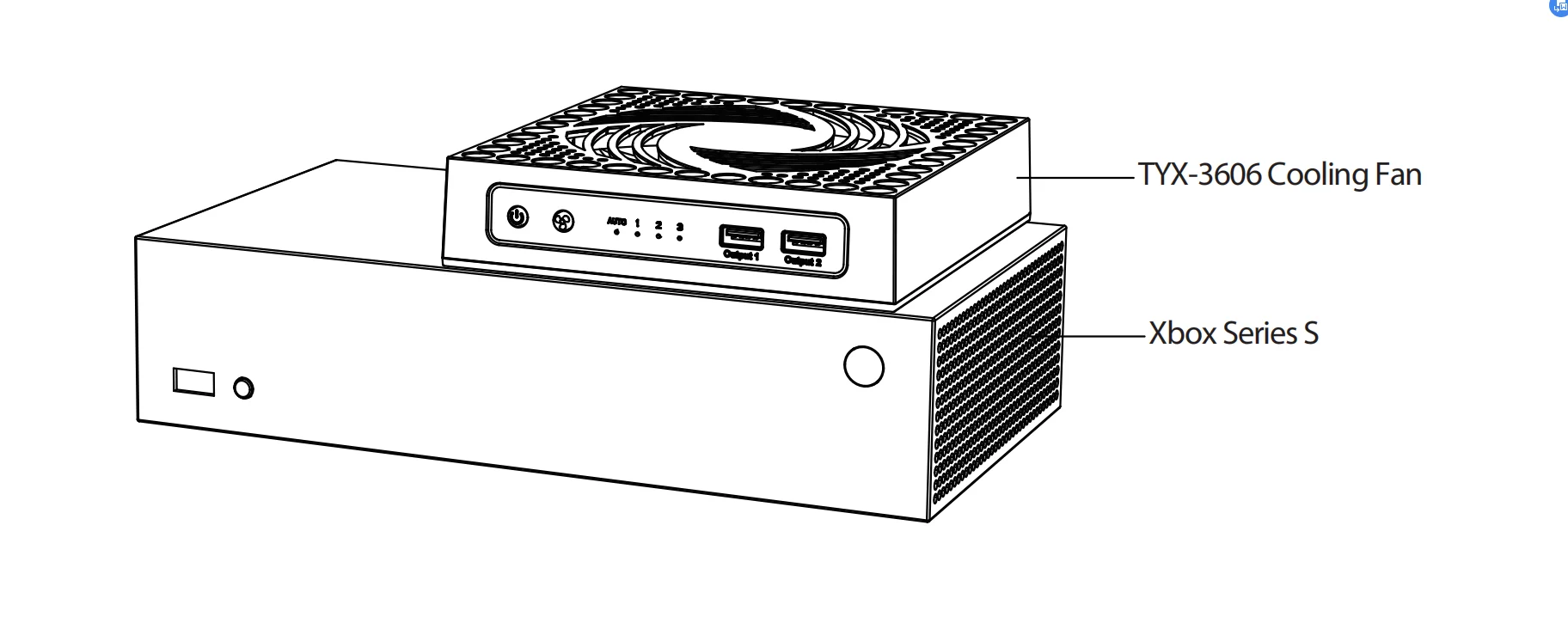
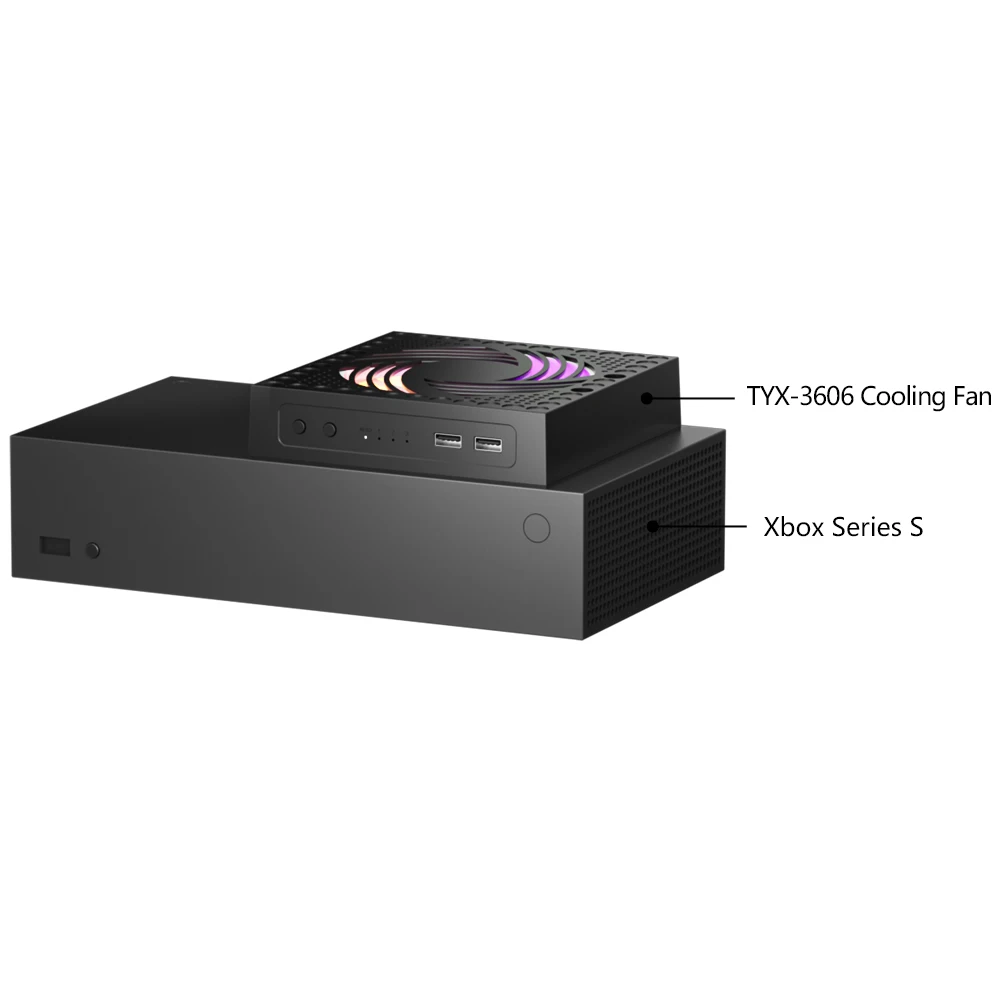 for Xbox Series X:
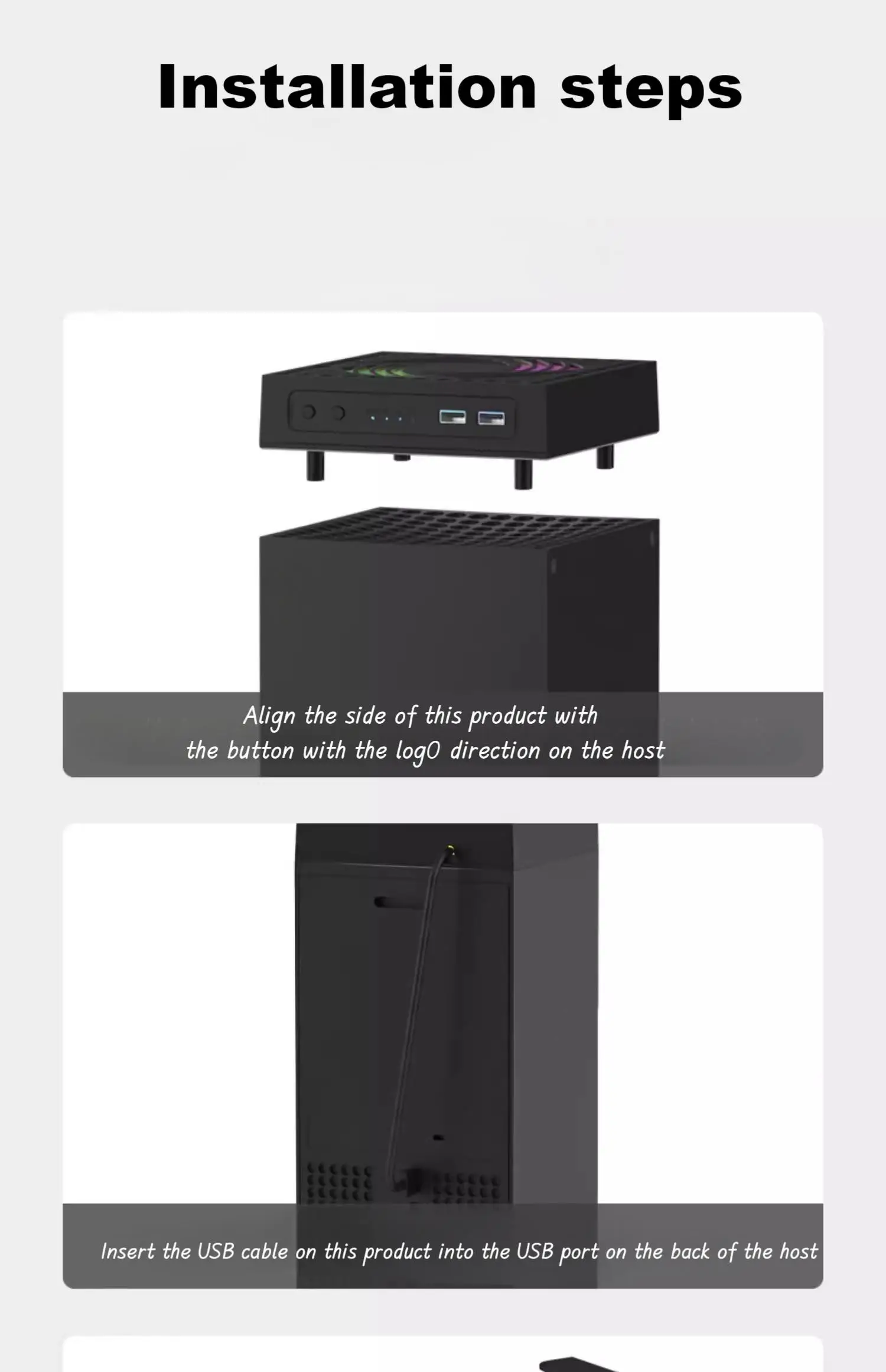
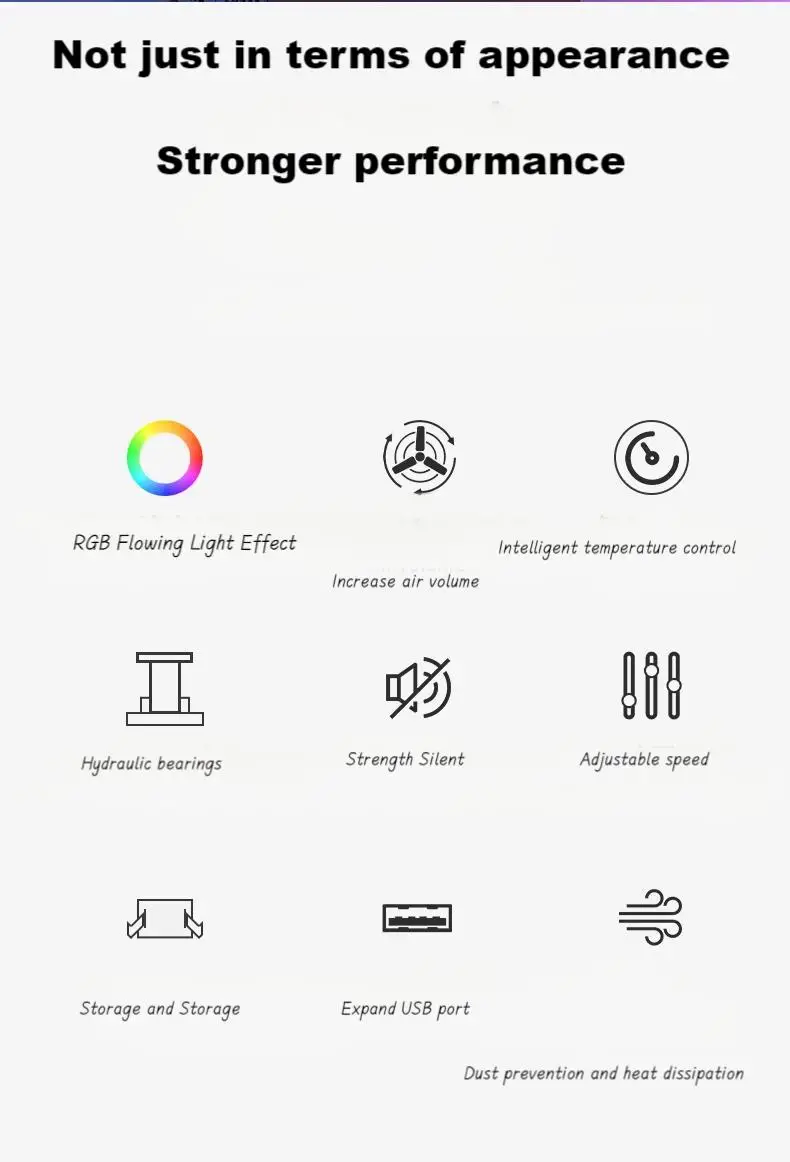
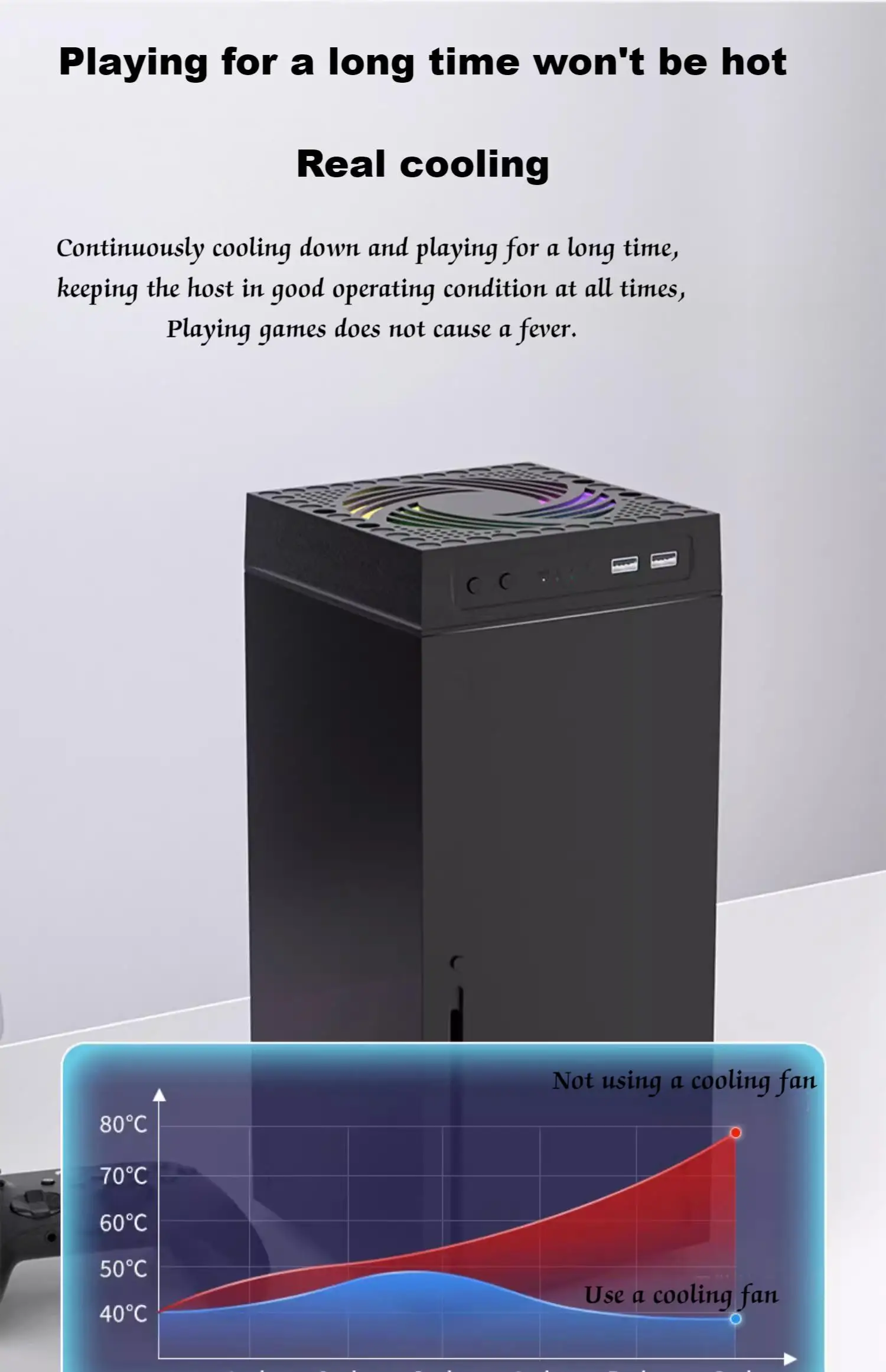 This product will automatically start 155 when plugged in, with default automatic mode. After the temperature reaches 40 ℃, it will adjust according to the current temperature
① In the shutdown state, press the power switch once, and the product will start working for 15 seconds in automatic mode by default.
When the temperature reaches 40 ℃, the device will start up and default to automatic mode.
② When the fan is turned on, press the power switch once to turn it off. (Note: If the current ambient temperature reaches 40 ℃, it will restart and work.)
③ Long press the power button to turn off the RGB lights, and long press again to turn on the RGB lights again. Fan gear button: The product is automatically switched on when plugged in. After pressing the power switch, press the gear button within 15 seconds to switch back and forth between automatic and manual modes.
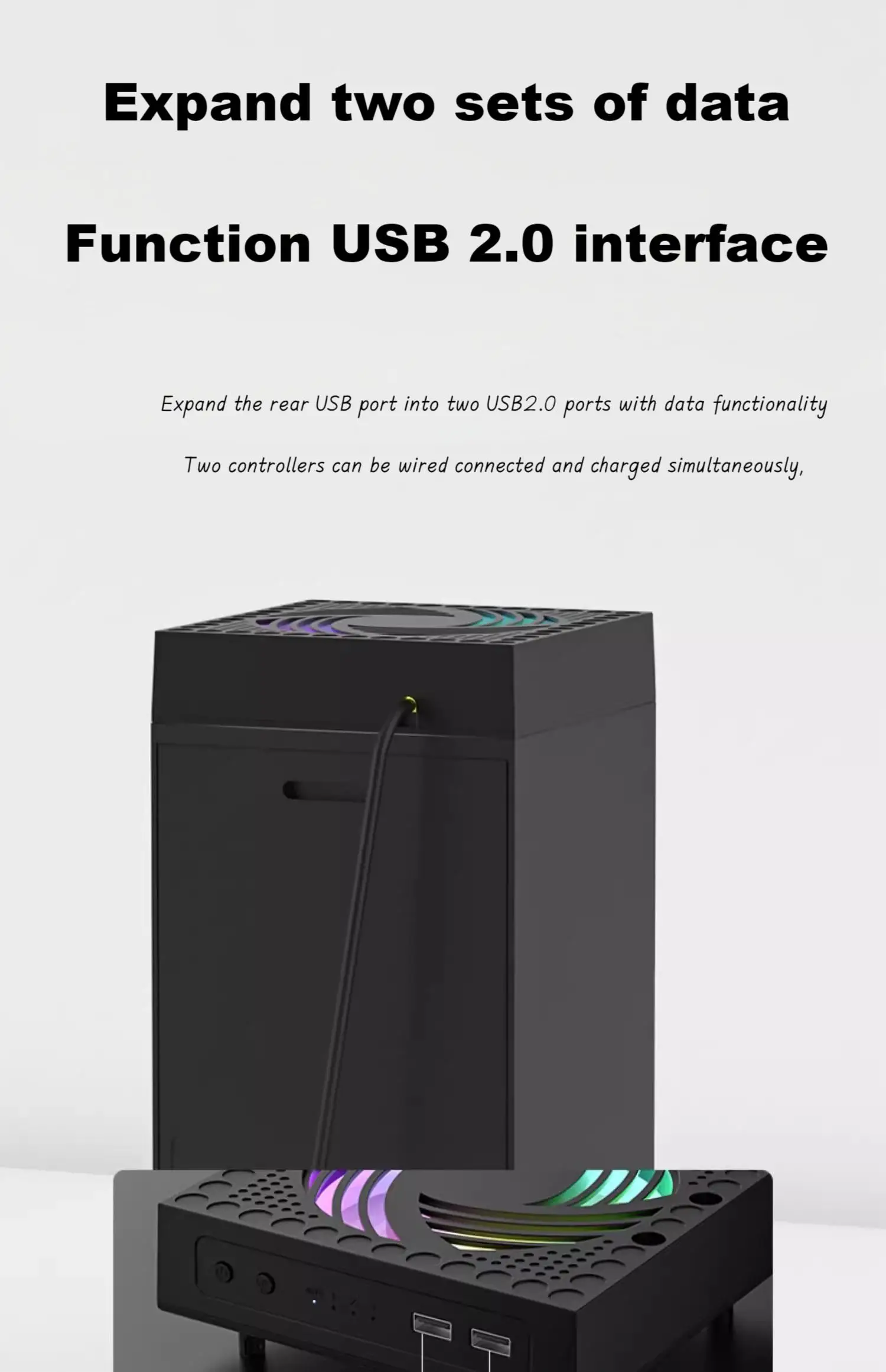
This product comes with two USB 2.0 data ports, which can be used for wired connection and charging of two controllers simultaneously.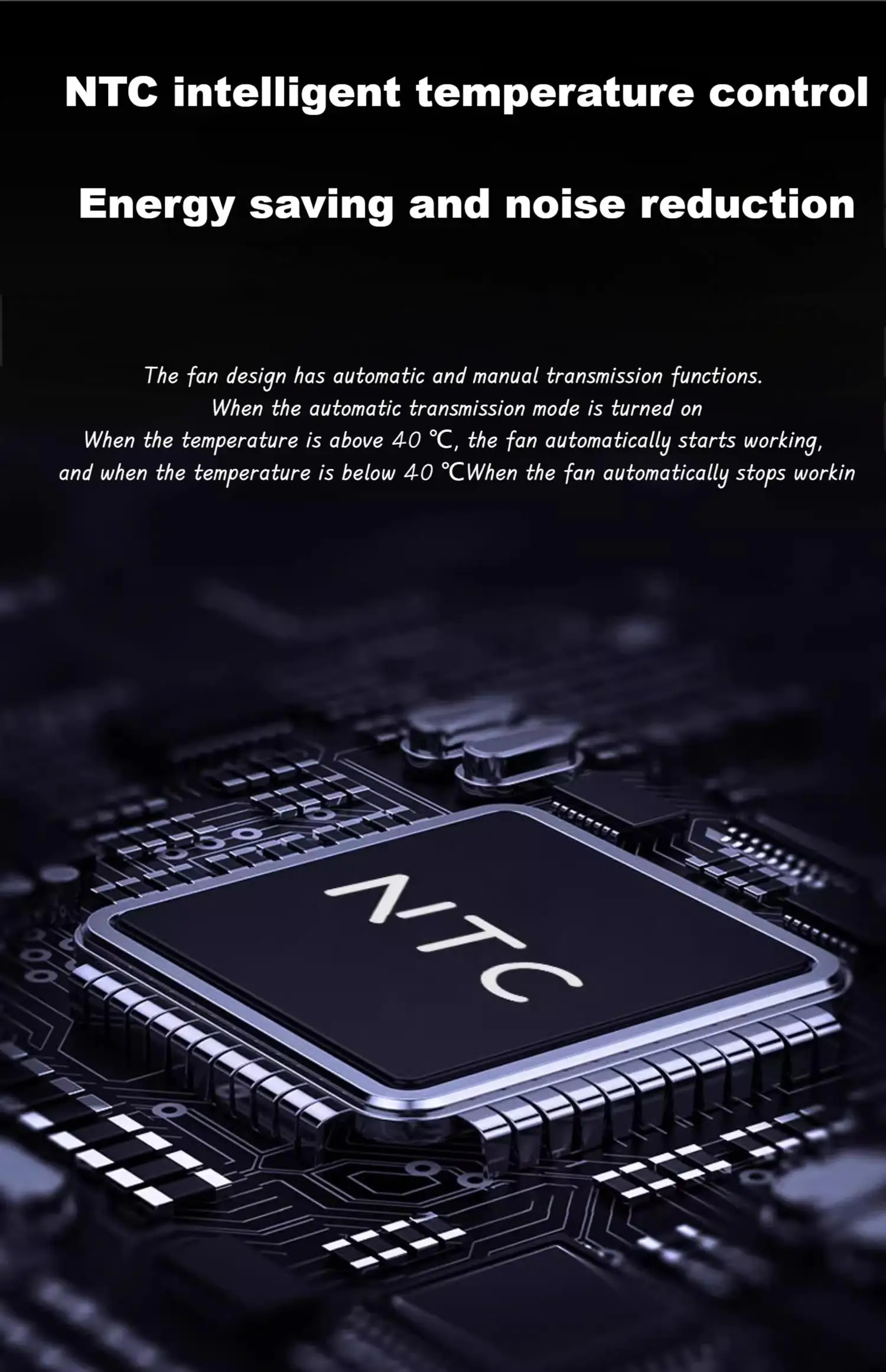
Why buy from handheldparts.site
- Fitment-checked, plug & play installation, no guesswork
- Free worldwide shipping on orders over $55.99
- 30-day easy returns · 12-month warranty
- Need help? support@handheldparts.site · WhatsApp +86 134-2894-7672